How to Gift a Digital Pet Portrait Without Printing It
Ways to present a digital pet portrait so it feels like a real present, plus a gift email you can copy and how to send the full-quality file.
Updated November 24, 2026 · 3 min read
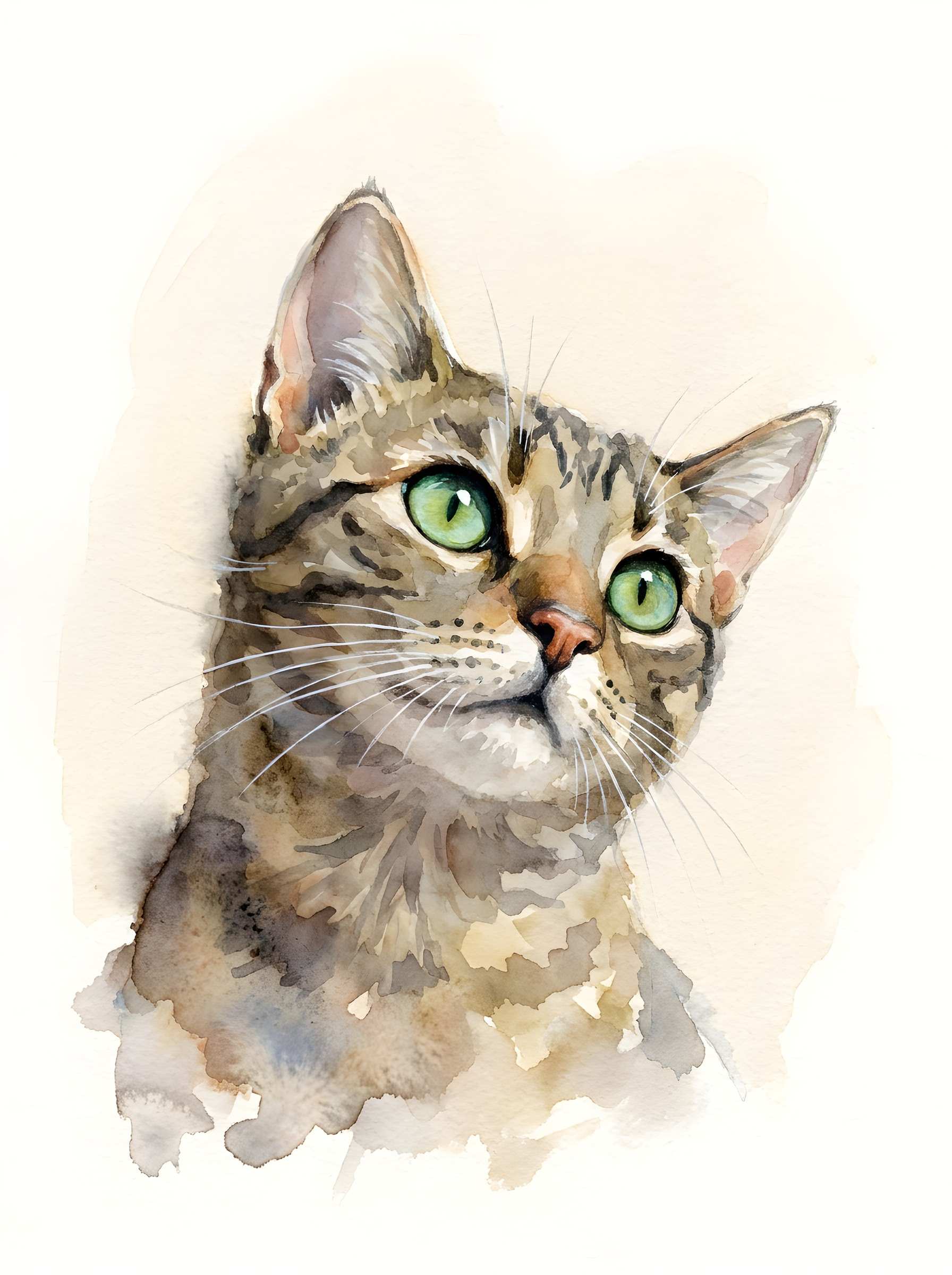
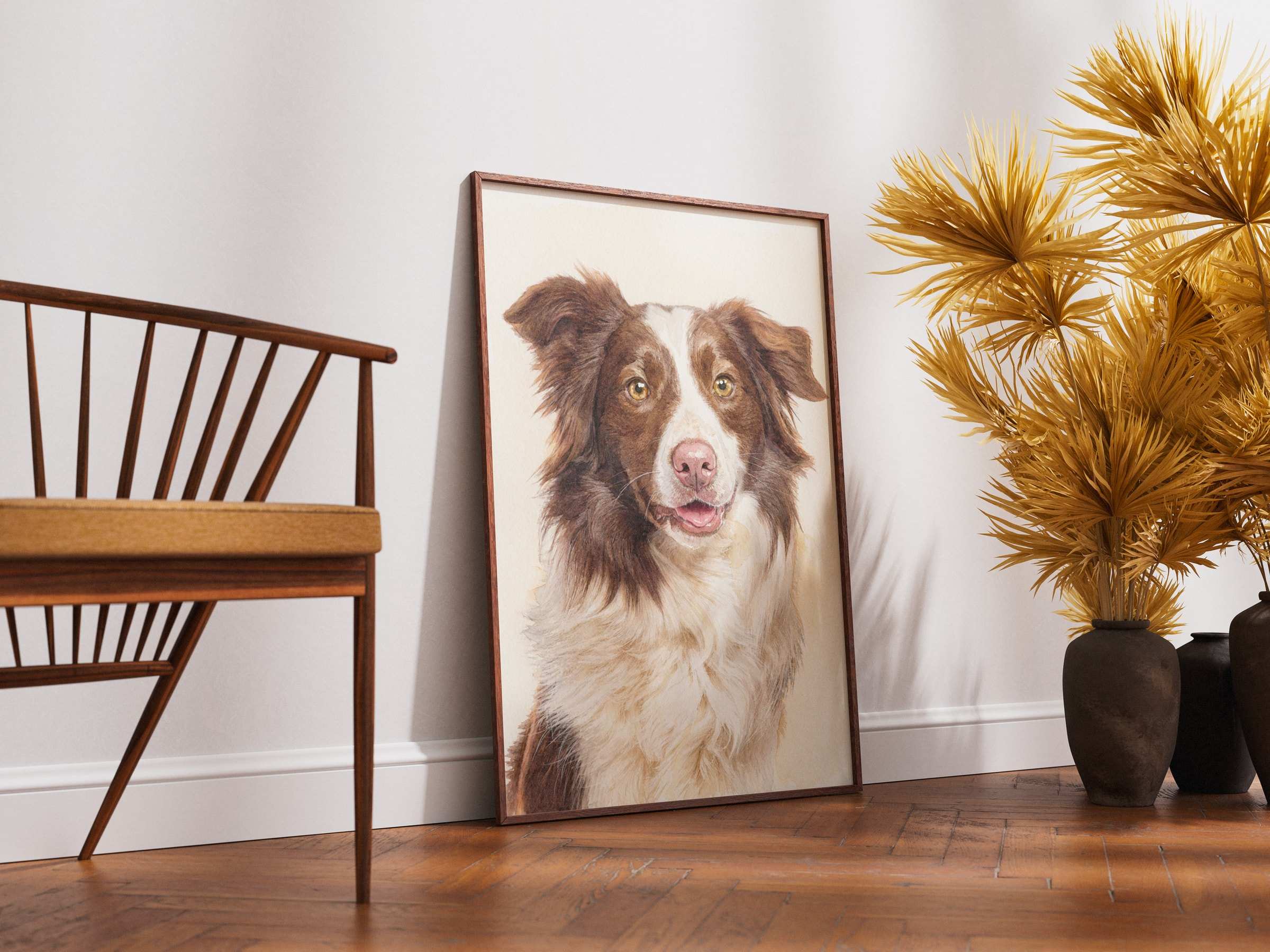
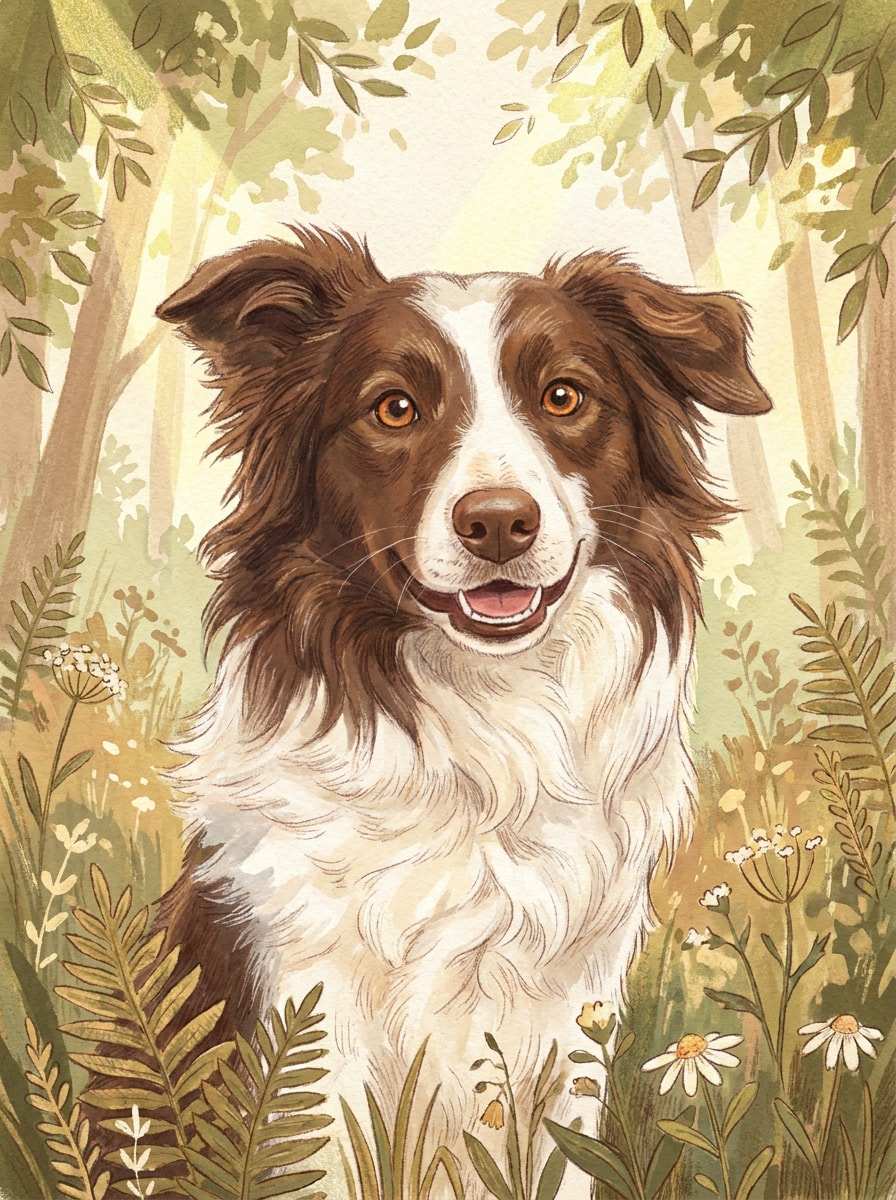
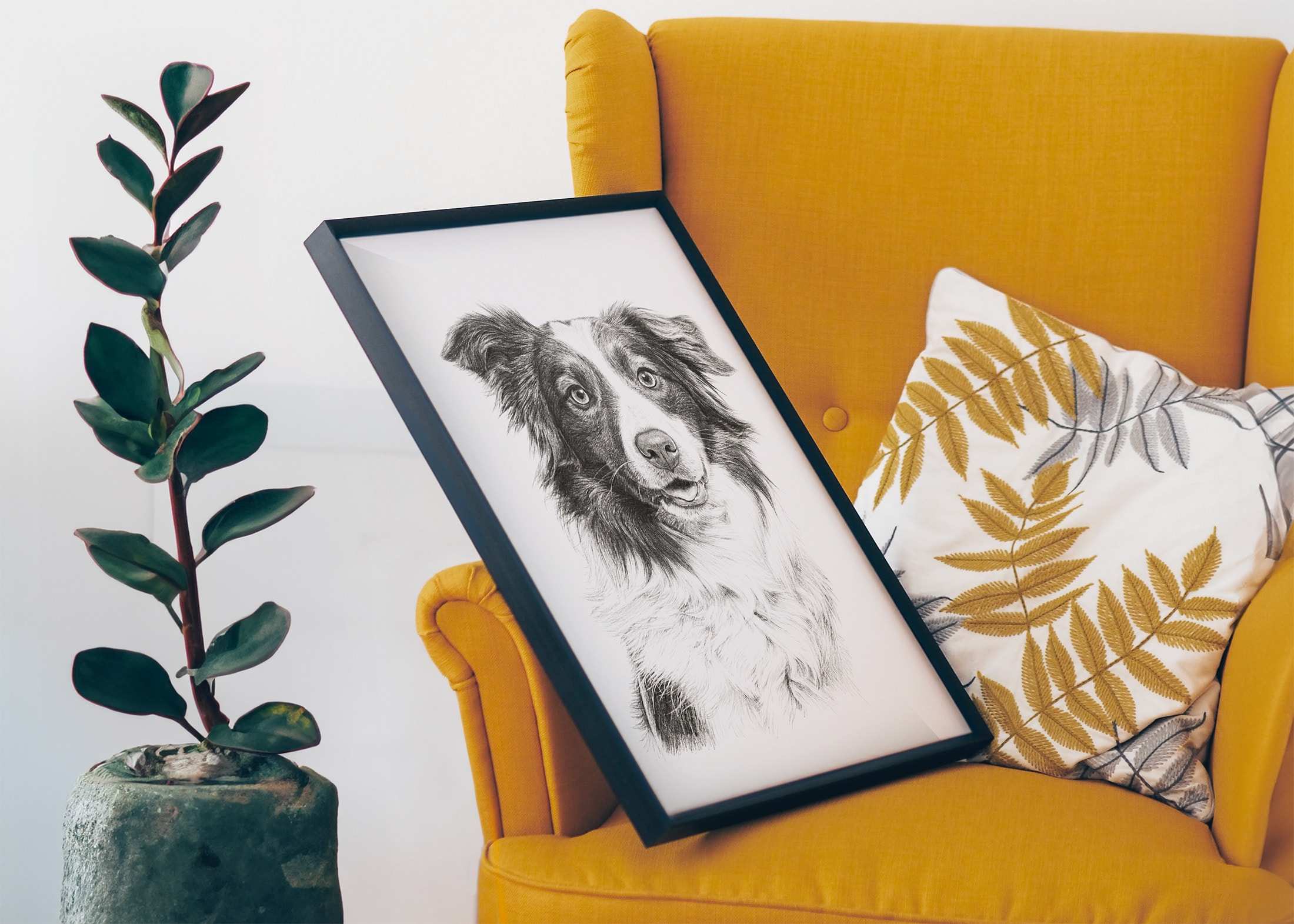
To gift a digital pet portrait without printing it, send the full-quality file by email or a cloud link, and make the moment feel special with how you reveal it: a personal note, a before-and-after of the original photo, or a surprise on a screen. Then let the recipient decide how big to print it. A digital portrait is not a lesser gift: it can be printed at any size, framed in a style they love, and shared with everyone who loves that pet too.
Send the real file, not a squashed copy
Messaging apps like WhatsApp, Messenger and many text apps quietly compress photos to save data. That’s fine for a sneak peek but not for the gift itself. To give the full HD file:
- Email it as an attachment. A Paint My Pet HD file is a single JPEG of a couple of megabytes, well within normal email limits.
- Share a cloud link from Google Drive, iCloud, Dropbox or OneDrive. This is handy if you’re also sending more than one style.
- AirDrop it if you’re in the same room with iPhones.
Make the reveal part of the gift
A few ideas that turn a file into a moment:
- Show the “before” first. Send the original photo with “Remember this one?”, then the portrait. The contrast is half the fun.
- Put it on a big screen. Cast it to the TV during a family call or after dinner.
- Wrap a placeholder. Give an empty frame, a card or a printed small copy, with a note that the full-size file is in their inbox.
- Make it a card. Drop the portrait into a digital card or an e-card with your message. (Our Christmas card guide shows how.)
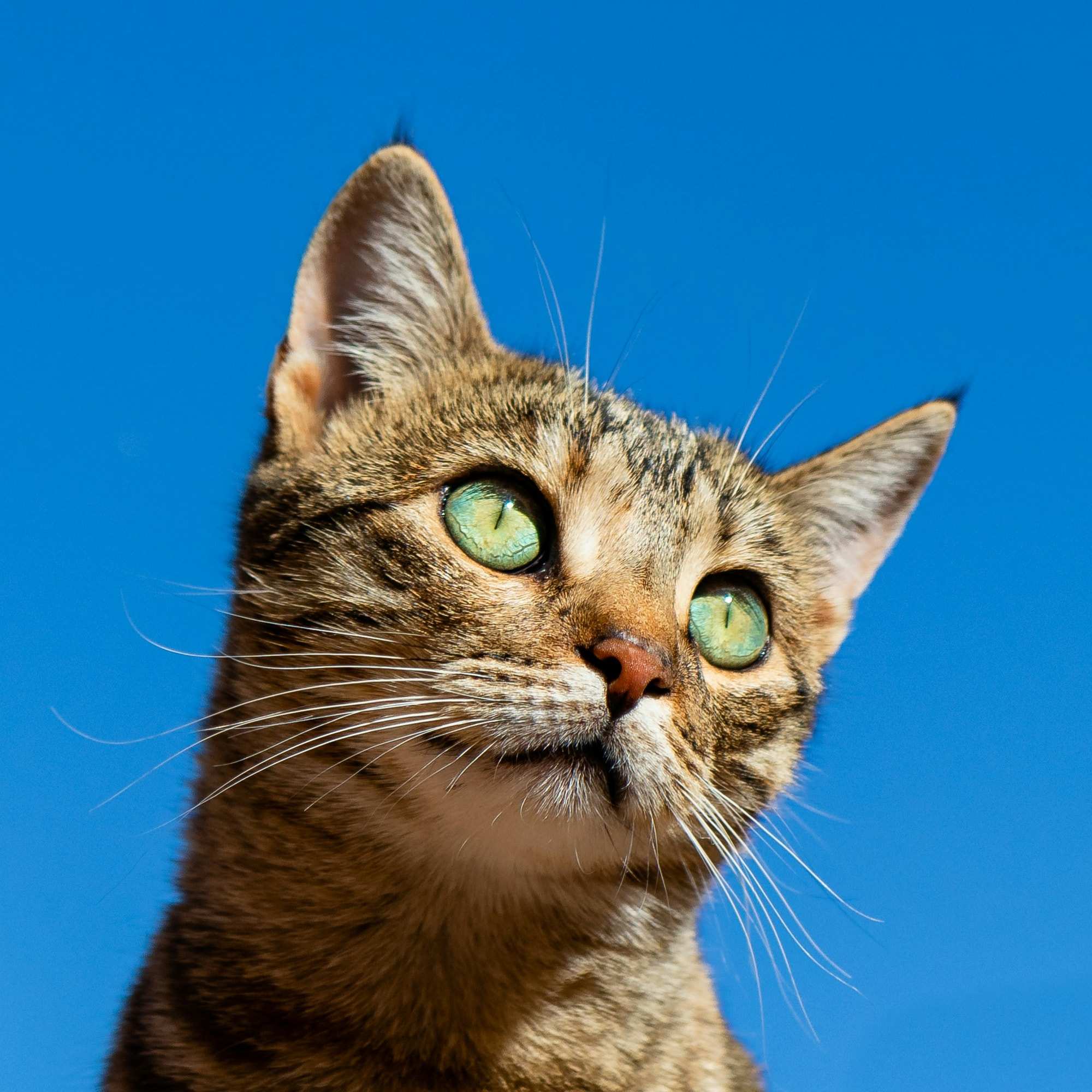
The photo you start with…
…and the portrait you send.
A gift email you can copy
Change the names and details, and attach the HD file:
Subject: A little something for you (and Biscuit)

Hi Sam,

I've always loved this photo of Biscuit, so I had it turned into a
watercolor portrait for you. The full-size file is attached. It's big
enough to print up to poster size, so you can frame it however you like
(or I'm happy to get it printed for you, just say the word).

Merry Christmas / Happy birthday!
[Your name]

P.S. It's an AI-styled portrait made from the photo, not a painting,
but I think it captured that face perfectly.
That last line is optional, but honesty tends to land well. People are often more delighted that you chose that photo than by how the portrait was made.
Let them print it their way
Include a line about printing so the file doesn’t just sit in their downloads:
- It prints sharply up to 12×16 inches, and makes a good wall print at 18×24 (size chart).
- Any photo lab or pharmacy can print it; many do it the same day.
- If you made it with Paint My Pet, you can also order a poster or canvas for them later from the same page, shipped to the US, the UK or the EU.
Make one tonight. The first preview is free, and the HD file is $12.
Try it with your photo, freeQuick answers
What is the best way to send the full-quality file?
Email it as an attachment (a Paint My Pet HD file is a JPEG of a couple of megabytes) or share a link from a cloud drive. Messaging apps often compress photos, so they're better for a preview than for the file itself.
Can the recipient print it later?
Yes. The HD file is 3584 × 4800 pixels, enough for a sharp print up to 12×16 inches and a good wall print at 18×24.