How to Pick the Best Photo for Your Pet Portrait
How to choose, from the photos you already have, the one that will give the most recognizable pet portrait, with examples and a quick checklist.
Updated November 24, 2026 · 3 min read
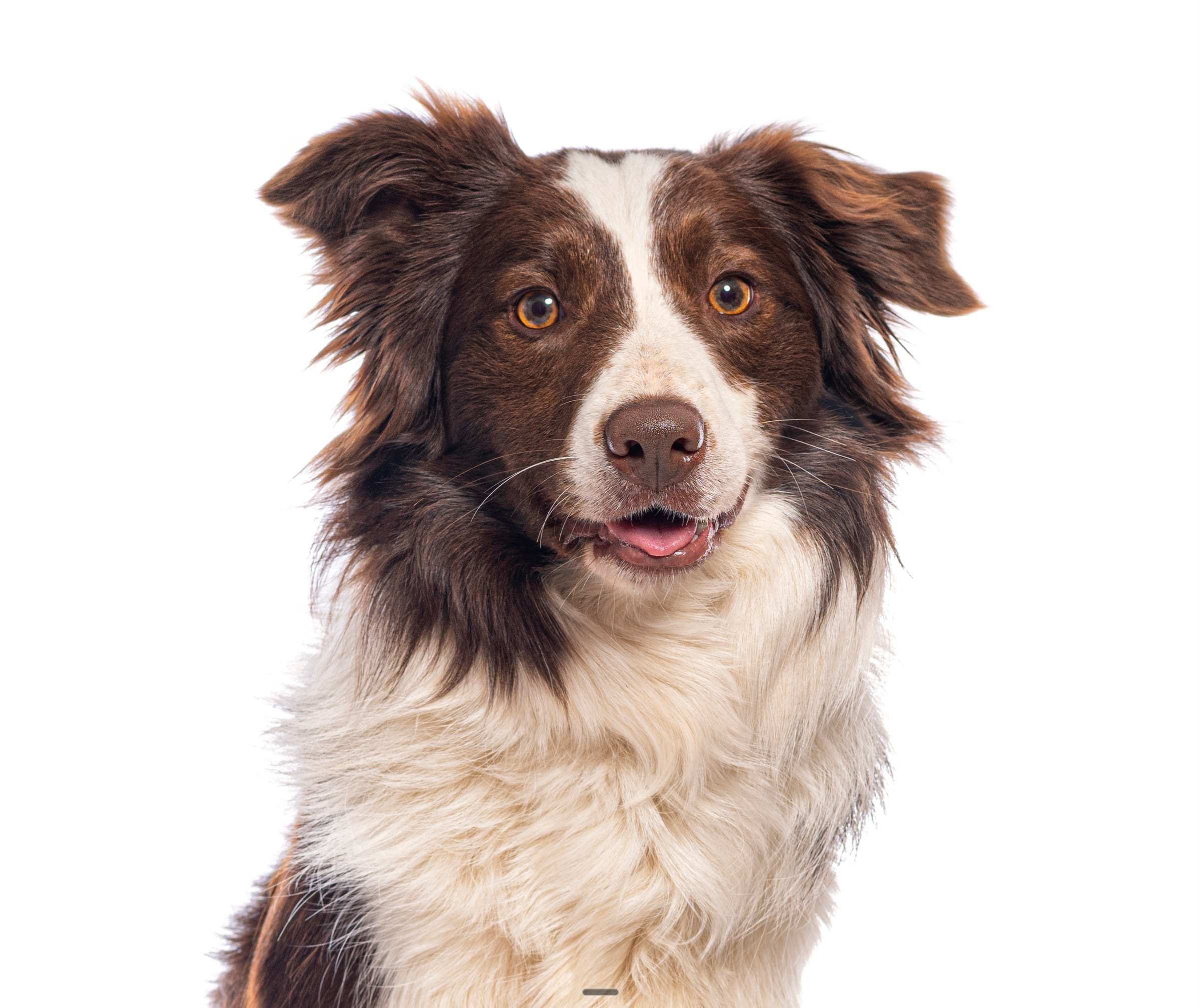
The best photo for a pet portrait is one where your pet’s face is sharp, well lit and fills a good part of the frame, with the eyes looking roughly toward the camera. It doesn’t need to be a professional shot. An ordinary phone photo in daylight beats a beautiful but blurry one, because a portrait can only keep the details the photo actually shows.
The three things that matter most
These are the same three tips we show on Paint My Pet’s upload screen:
- Face clearly visible, looking toward the camera. Eyes, nose and markings are what make your pet recognizable. A three-quarter view works well; a profile or the back of the head doesn’t.
- Good, even light. Daylight from a window is ideal. Avoid harsh flash (glowing eyes) and strong backlight (a dark face against a bright window).
- One pet per photo, not too far away. If there are several animals, only the most prominent one is painted. A distant, full-body shot leaves the face too small.
What a good photo looks like
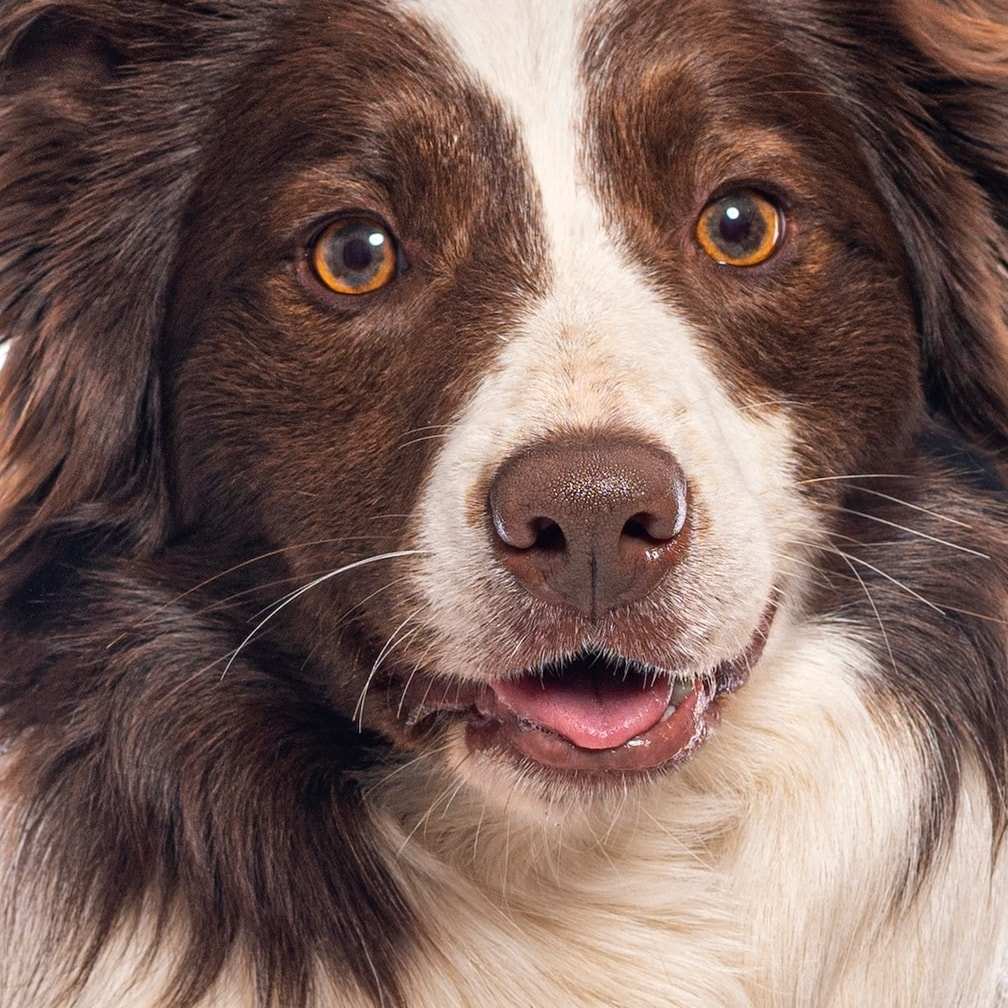
A great starting photo: sharp, even light, eye level.
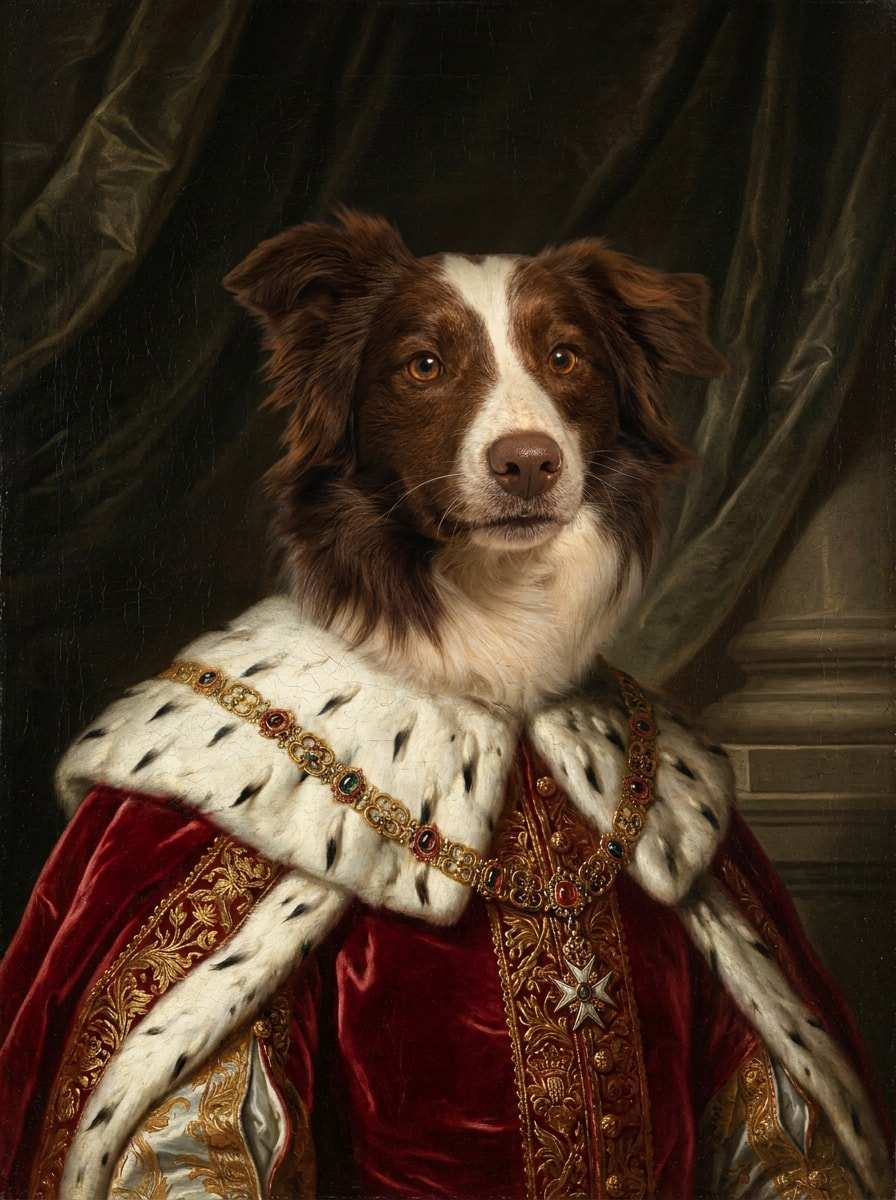
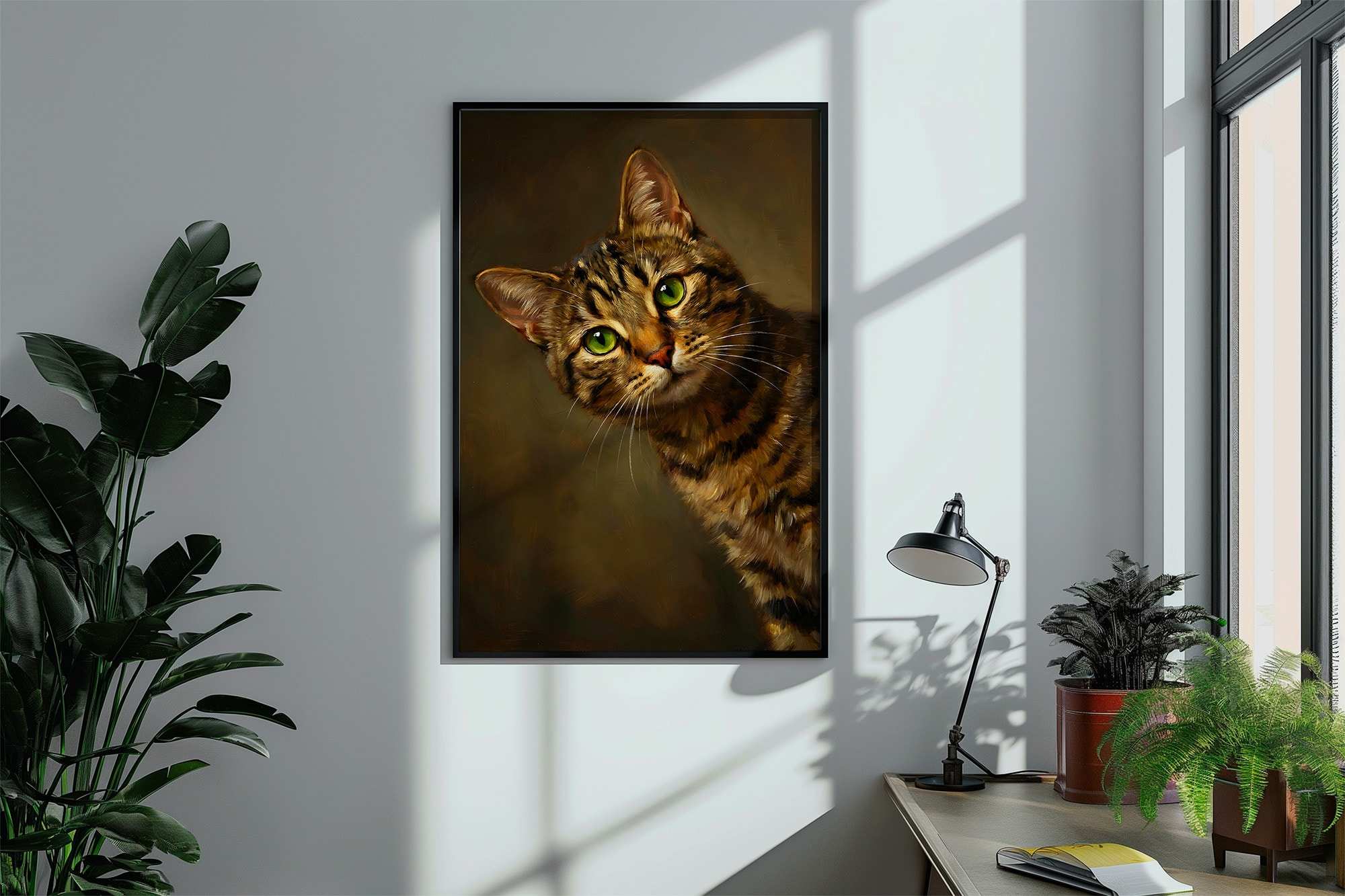
The portrait keeps the blaze, the ears and the eye color.
This border collie photo has everything: the face is sharp, the light is even, the camera is at eye level, and the markings (the white blaze, the brown patches, the amber eyes) are easy to see. That’s why the portrait is unmistakably the same dog.
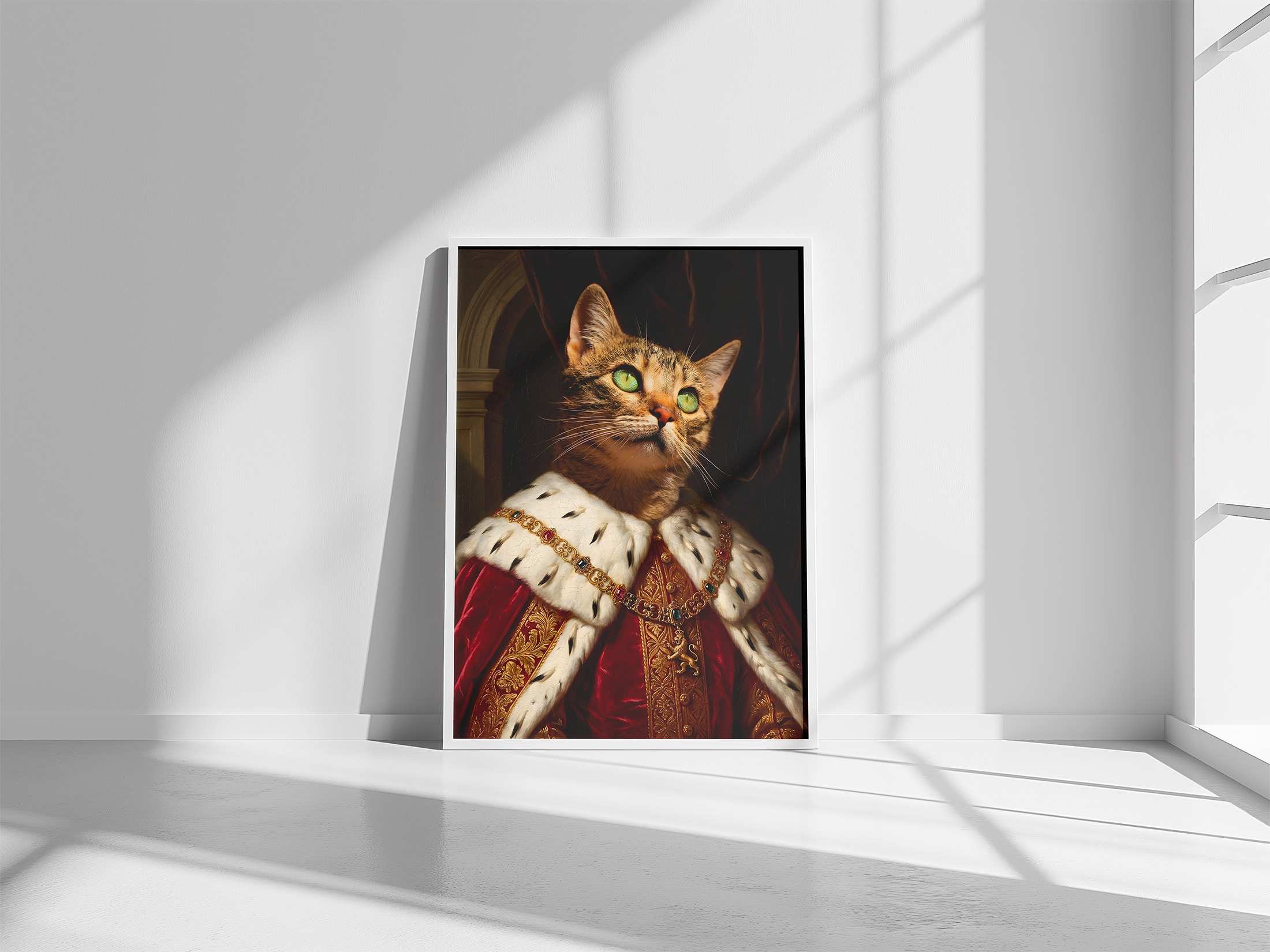
Photos don’t have to be this tidy, though. The cat below was photographed from a low angle against a bright blue sky, and the portrait still kept the green eyes, the stripes and that skyward look.
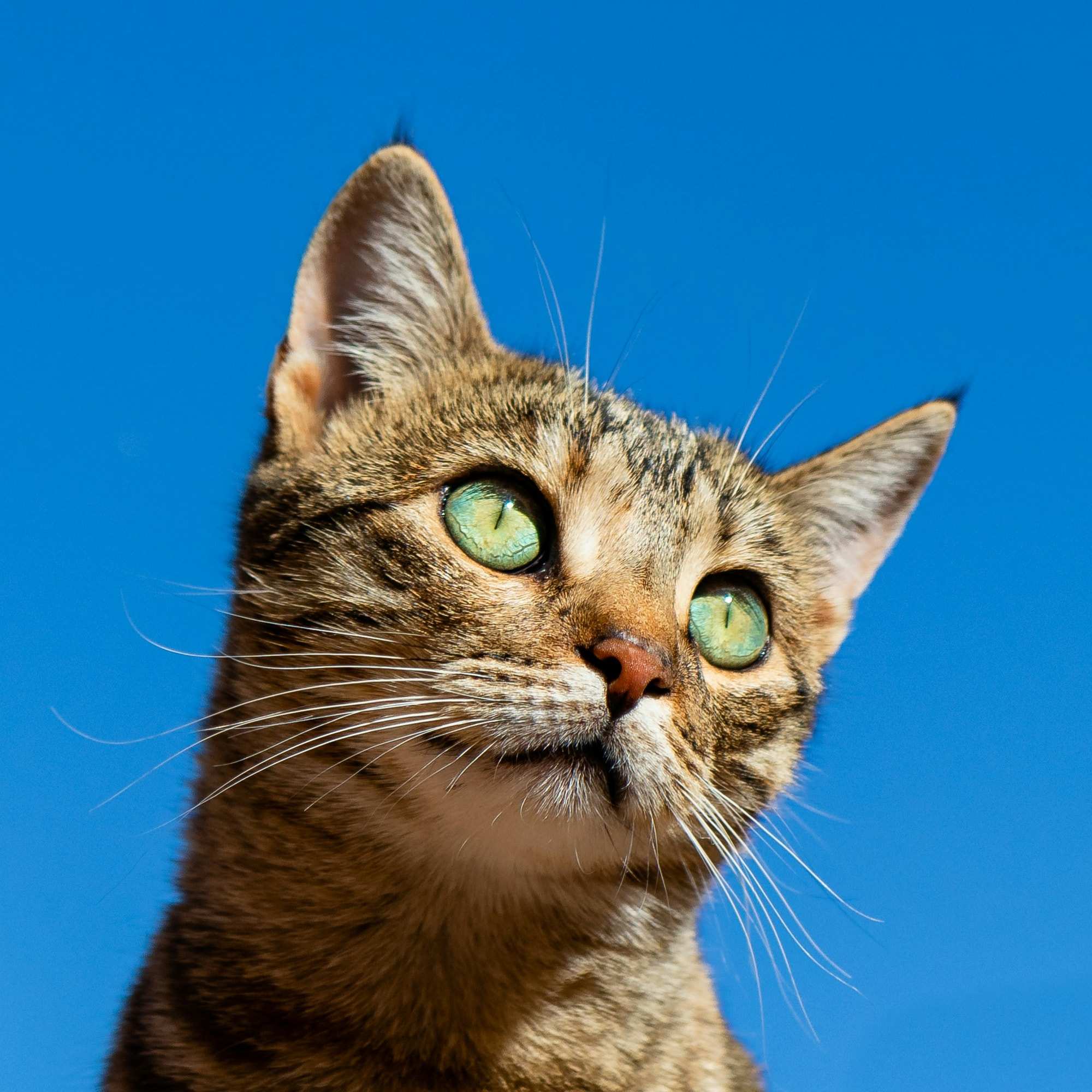
An everyday photo, unusual angle.
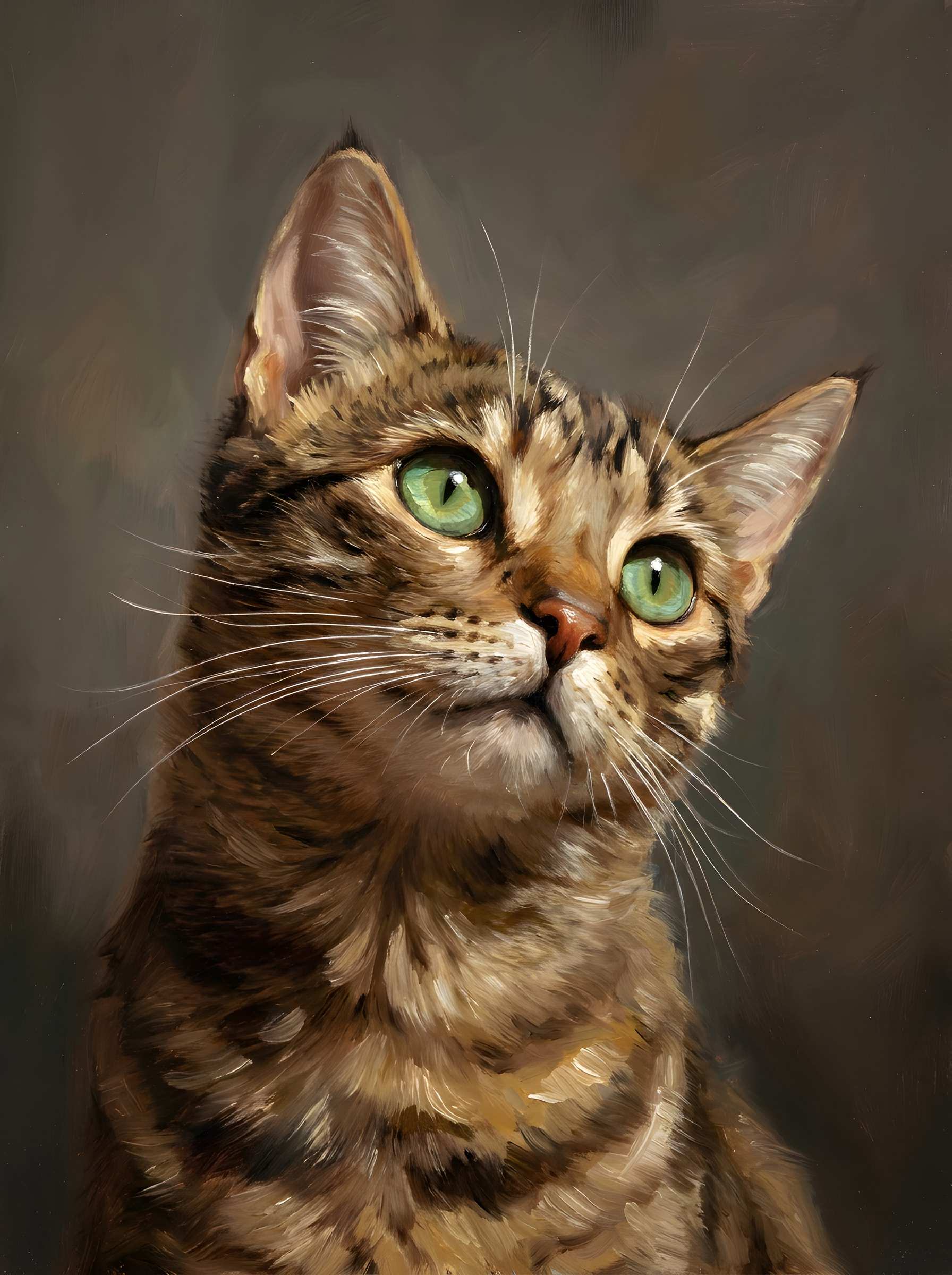
The pose and expression carry into the portrait.
A quick checklist
Before you upload, ask:
- Is the face in focus? Zoom in on the eyes. If they’re soft, try another photo.
- Can you see the markings you’d want to see? If the white chest patch is hidden, it won’t appear.
- Is the face big enough? As a rough guide, the head should fill at least a quarter of the photo’s width.
- Is the light flattering? Even light beats dramatic shadows for a likeness.
- Is it one pet? Crop out the other animals if you can.
Finding the right photo in your camera roll
Both the iPhone Photos app and Google Photos let you search for “dog” or “cat”, which pulls up every photo of your pet almost instantly. Favorite the best few, then compare them side by side with the checklist above.
If you have a few candidates, start with the one that feels most like your pet. Your first preview is free, so it costs nothing to see how it turns out.
Photos that are harder (but sometimes work)
- Old printed photos: scan or photograph them flat, in daylight, without glare.
- Screenshots from social media or messages: fine if the face is large and sharp; crop out buttons and text first.
- Dark-coated pets: they need more light than you’d think, so the eyes and fur texture show.
- Slightly blurry photos: small blur is often okay; heavy motion blur loses the details that make a likeness.
Got a photo in mind? Upload it and see your first portrait free, in about a minute.
Try it with your photo, freeQuick answers
What resolution does the photo need?
At least 400 pixels on the short side for Paint My Pet, but a normal phone photo is far more than that. Sharpness and a clear face matter much more than megapixels.
Can I use a screenshot?
Often, yes, if the pet's face is large and in focus in the screenshot. Crop out the app's buttons and text first.
Can I combine two photos?
Not with Paint My Pet yet. Each portrait is made from one photo of one pet.